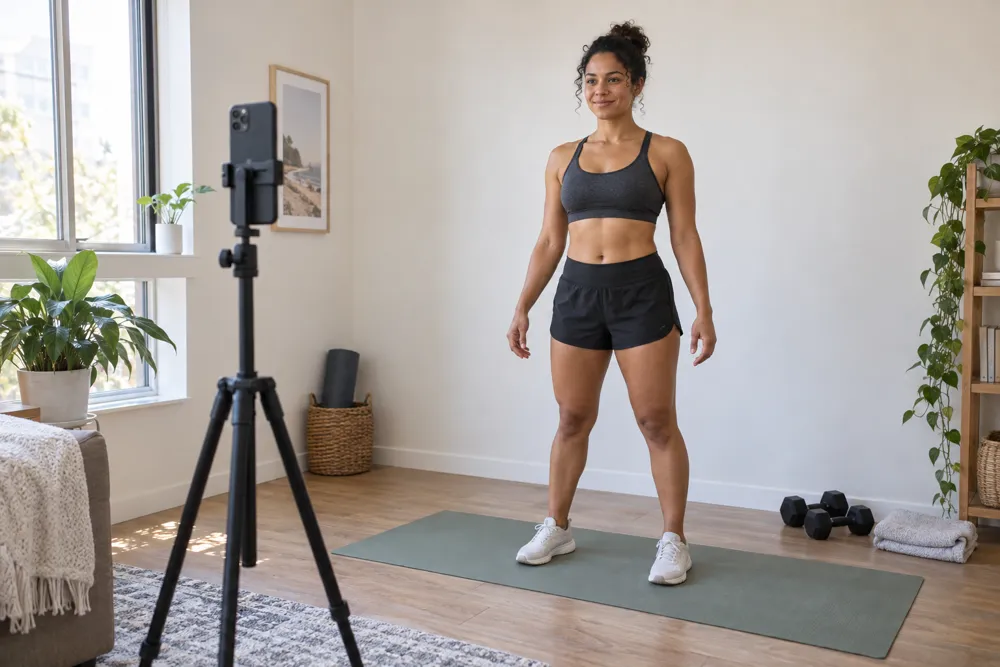
See the progress
you’re working for.
The sessions you fit in. The habits you build. Keep a record of what’s changing, with progress photos, measurements and weight in one place.
See how it fitsA little guidance.
A clearer photo.
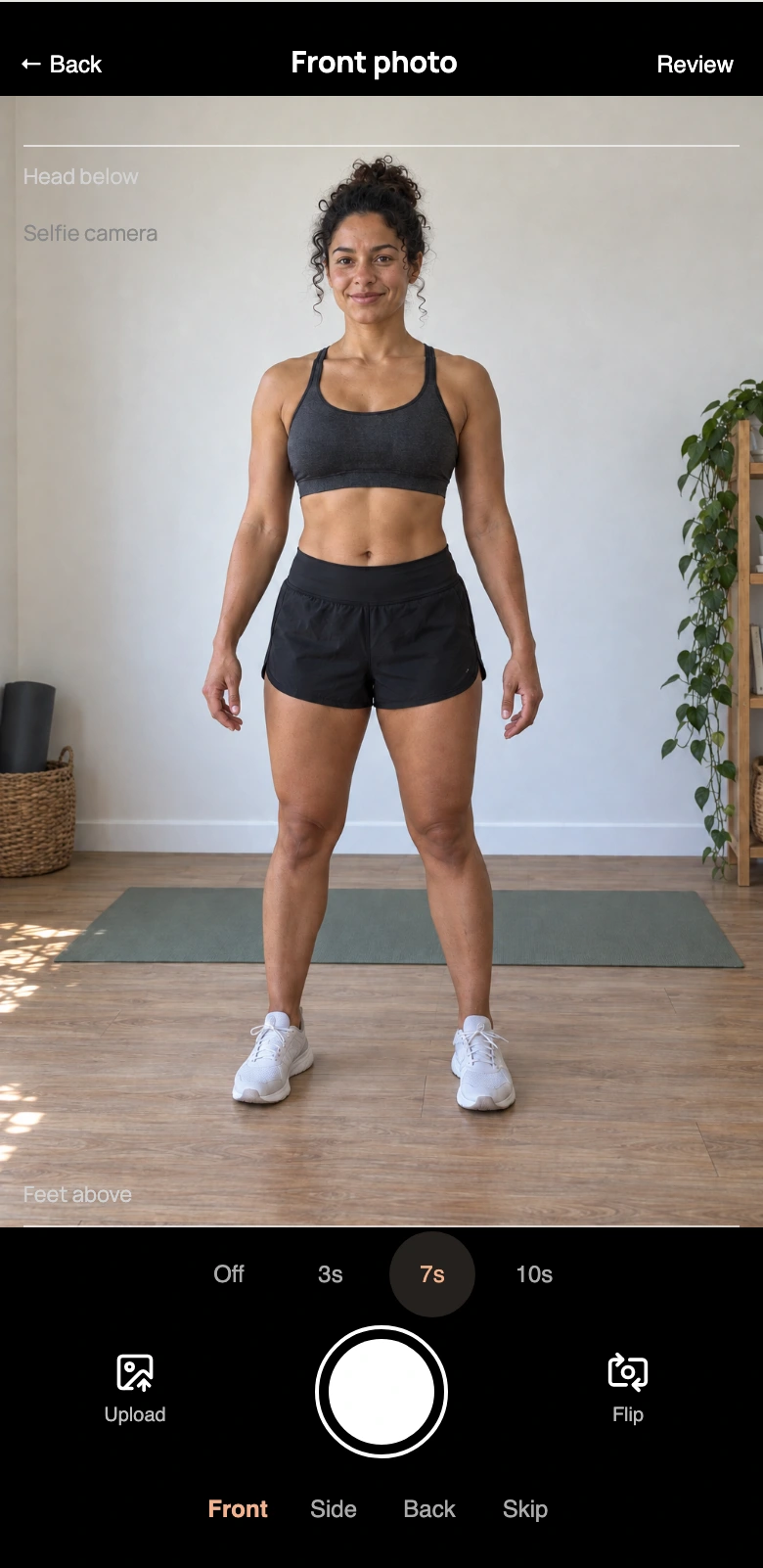
Set your phone down and step into frame. The head and foot guides help you line up your shot; the timer gives you time to get ready.
Build a visual record you can compare over time, as part of your own routine.
More than
a single number.
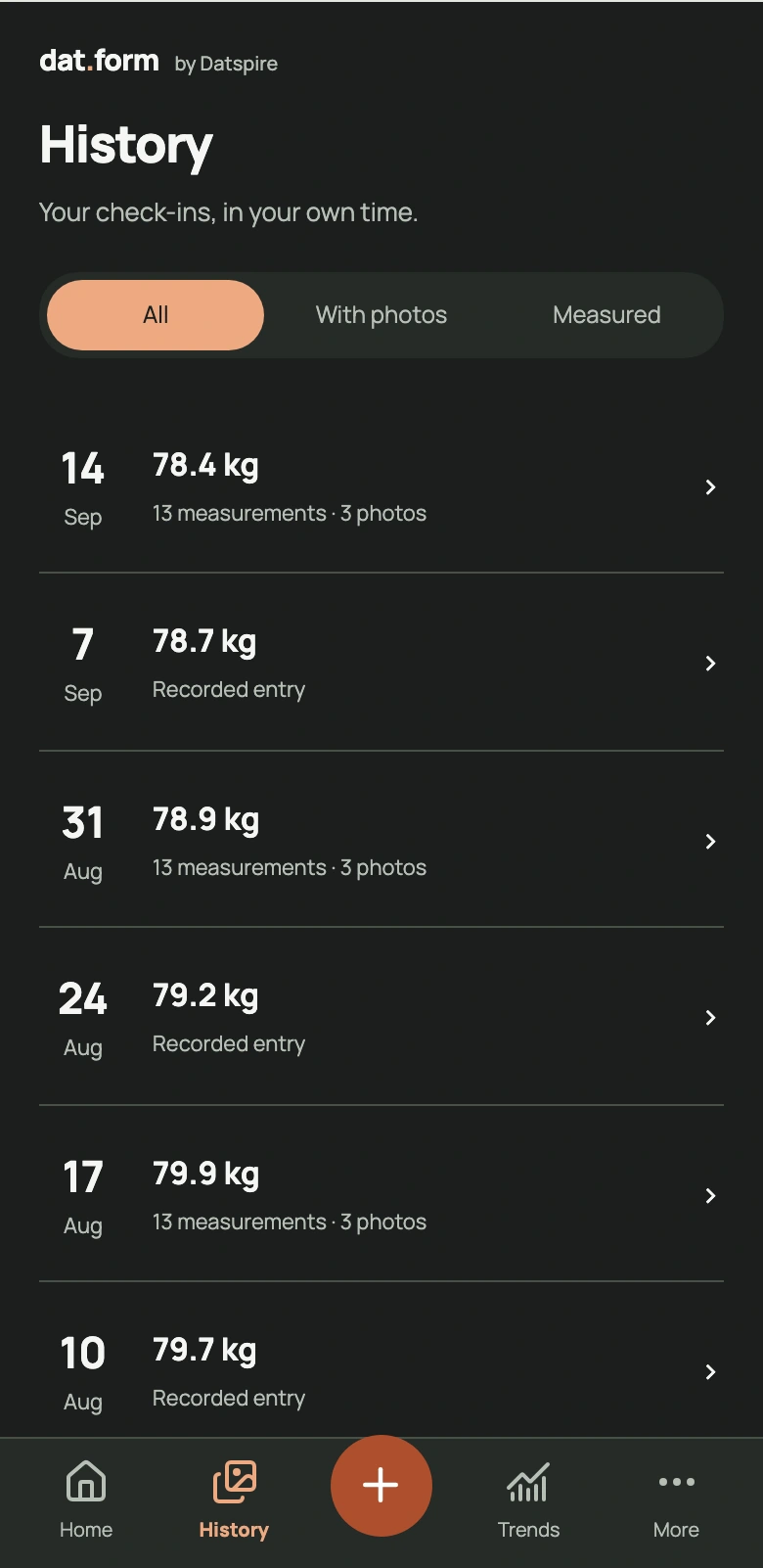
A photo, a measurement, a weight entry. Together, they give you more ways to look back at your physical progress.
Keep your check-ins together so you can compare where you are with where you started, or your last entry.
You decide what to record and how often.
Check in.
Keep moving.
dat.form keeps your check-ins in one place. Check in when it suits you, and compare them over time.
Make it yours with Dark, Light, Storm or Rose.
Take a closer look at dat.form.
Android & iOS · New version in development